Racing Master SEA logo

Racing Master SEA on Tablets Guide

Rated 4.5/5 · 18k

A tablet changes Racing Master SEA in your favour. The larger display makes distant braking points readable earlier, rival cars easier to place, and menus and tuning screens far more comfortable to work with.

The game officially supports Android tablets alongside phones, so the question is not whether it works, but how to set it up so the size advantage survives contact with real races.

For context on the app as a whole, see Racing Master SEA hub before working through the details below.
Why Tablets Suit Racing

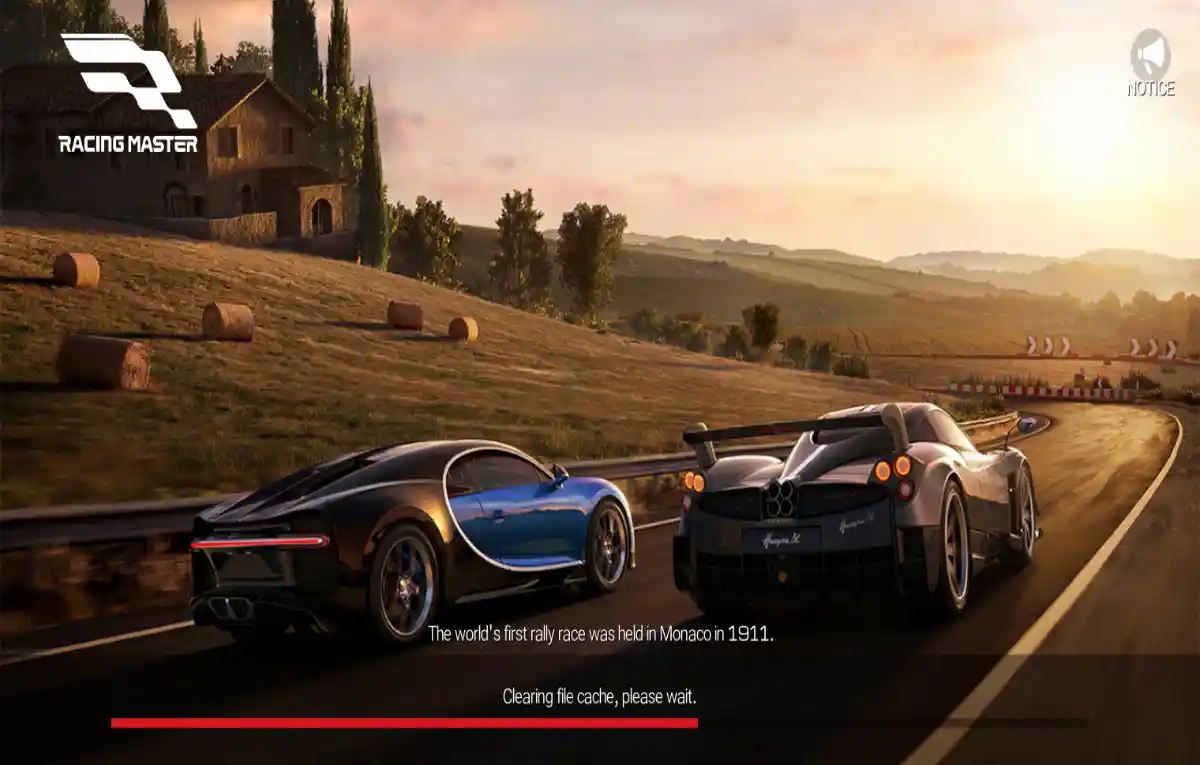
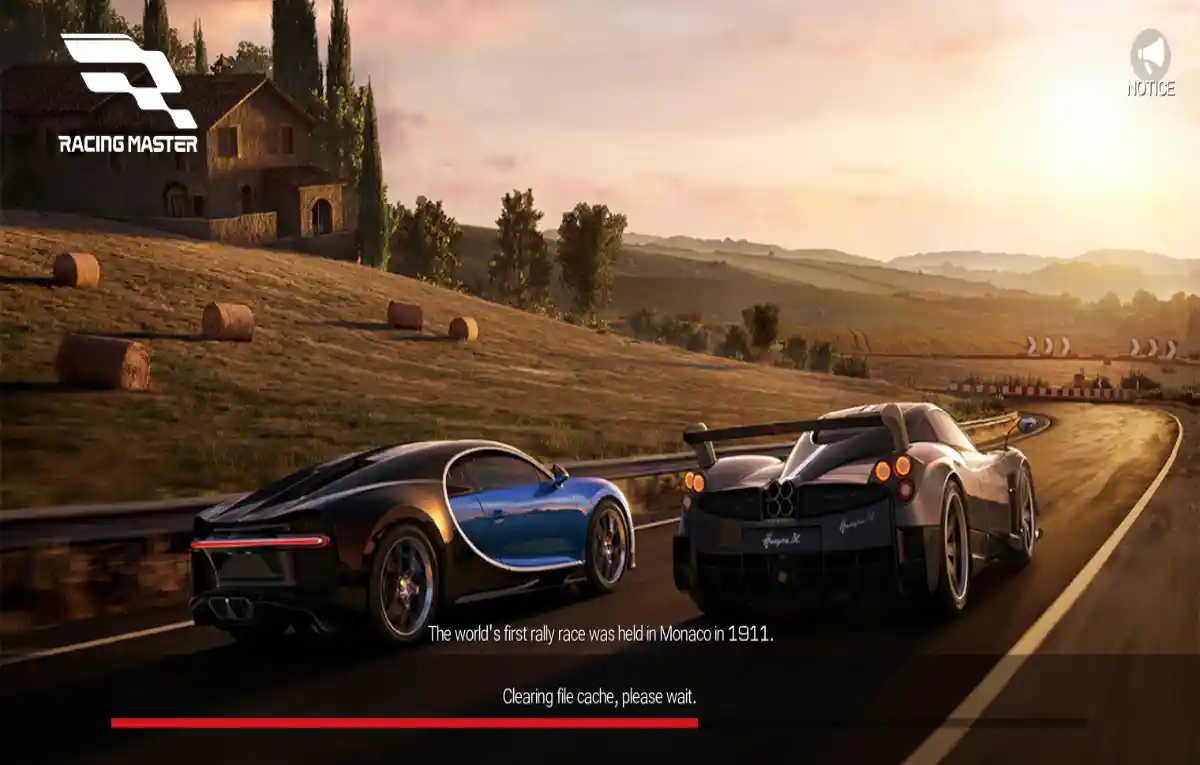
Visibility is the tablet's gift. Extra screen width shows more of the corner ahead and more of the cars around you, which improves both lap time and survival in crowded first laps.

Tuning and garage work also improve. Comparing car statistics, liveries, and upgrade paths on a tablet screen is simply easier on the eyes during long sessions.

  • Wider view of corners and traffic
  • Easier garage and tuning work
  • Comfortable long sessions

Controls on a Tablet

On-screen buttons sit further from your thumbs' natural rest position on a large tablet. Choose the control layout that places steering and pedals where your hands actually hold the device, or pair a Bluetooth controller and skip the compromise entirely.

Tilt steering divides tablet players. The larger device makes tilting more physical, which some drivers love and others find tiring over a long event.

  • Position buttons for your grip
  • Controller pairing works well
  • Test tilt before long events

Performance on Tablets

Tablet processors vary enormously. A recent mid-range tablet usually runs the game well, while an old budget tablet may need the same low-settings discipline as a budget phone.

Heat spreads differently on a larger body, but long sessions still throttle performance. The usual habits apply: cool room, breaks between blocks, and graphics set for stability rather than spectacle. This connects closely with our guide to playing on PC, which covers the neighbouring ground in detail.

  • Check your tablet's chip class
  • Stability-first graphics
  • Manage heat on long sessions

Playing Between Phone and Tablet

Because progress lives on your account, you can practise on the tablet at home and race from the phone while travelling without losing anything. Sign in with the same linked account on both devices.

Expect a short adjustment each time you switch. Screen size changes your sense of speed and braking distance, so a warm-up lap after switching devices prevents silly first-corner mistakes. You can explore the related side of this in the Racing Master SEA controls guide.

  • Same account on both devices
  • Warm up after switching
  • Progress syncs via account

Tablet Setup Checklist

Before a serious session: charge above half, close background apps, connect to the fastest Wi-Fi band available, and set do-not-disturb. Tablets often serve double duty as family devices, so clear pending notifications and downloads first.

A simple stand helps for controller play and for watching replays afterward. Reviewing races on the big screen makes the replay study habit far more pleasant.

  • Charge and close background apps
  • Use the fastest Wi-Fi band
  • Stand for controller and replays

Putting It Into Practice

Putting the advice into practice starts with one honest session. Pick a single idea from this guide, apply it in your next few races, and judge it by results rather than by feel alone. Racing Master SEA rewards drivers who test changes deliberately, because the driving model is consistent enough that real improvements show up quickly in your finishes.

Keep a tiny note of what you changed and what happened. Over a month those notes become a personal Racing Master SEA handbook that no generic guide can match, written in the only language that matters: what worked for your hands, your car, and your phone.

Finally, revisit the basics whenever a new update or a new car arrives. The fundamentals in this guide do not expire, but their details shift, and the drivers who re-check them adapt while everyone else wonders why their pace moved.

Keeping It Consistent

A simple checklist keeps this part of Racing Master SEA reliable. Before a session, confirm your settings and controls feel right. During the session, focus on one improvement at a time instead of five. After it, note the single biggest lesson while it is still fresh.

That rhythm sounds almost too simple, yet it is how consistent players separate themselves in Racing Master SEA. Talent decides individual corners; process decides whole seasons, and process is available to anyone willing to run a checklist.

Share what you learn with your club or friends who play. Explaining a technique out loud exposes the gaps in your own understanding, and their questions often point at the next thing worth practising.

Frequently Asked Questions

Yes. Android tablets are listed in the game's additional support alongside phones and PC emulators, and progress carries between devices through your account.

The bigger screen improves visibility of braking points and traffic, which many players prefer. Controls need more thought, and a paired controller is an excellent tablet option.

Tablet hardware varies widely. Lower the graphics preset, close background apps, and manage heat; older budget tablets need the same discipline as budget phones.

Conclusion

A tablet gives Racing Master SEA room to breathe. Better visibility, easier garage work, and comfortable long sessions make it a genuinely strong way to play, especially with a controller paired.

Set it up with the same care as any racing device and the big screen becomes an edge your phone-only rivals will feel in the first corner.

Wei Jie Tan

Reviewed by Wei Jie Tan

Wei Jie Tan is our Racing Games Reviewer. He tests Racing Master SEA on real Android devices, covering driving physics, tuning, and multiplayer, before we publish any guide or download information.